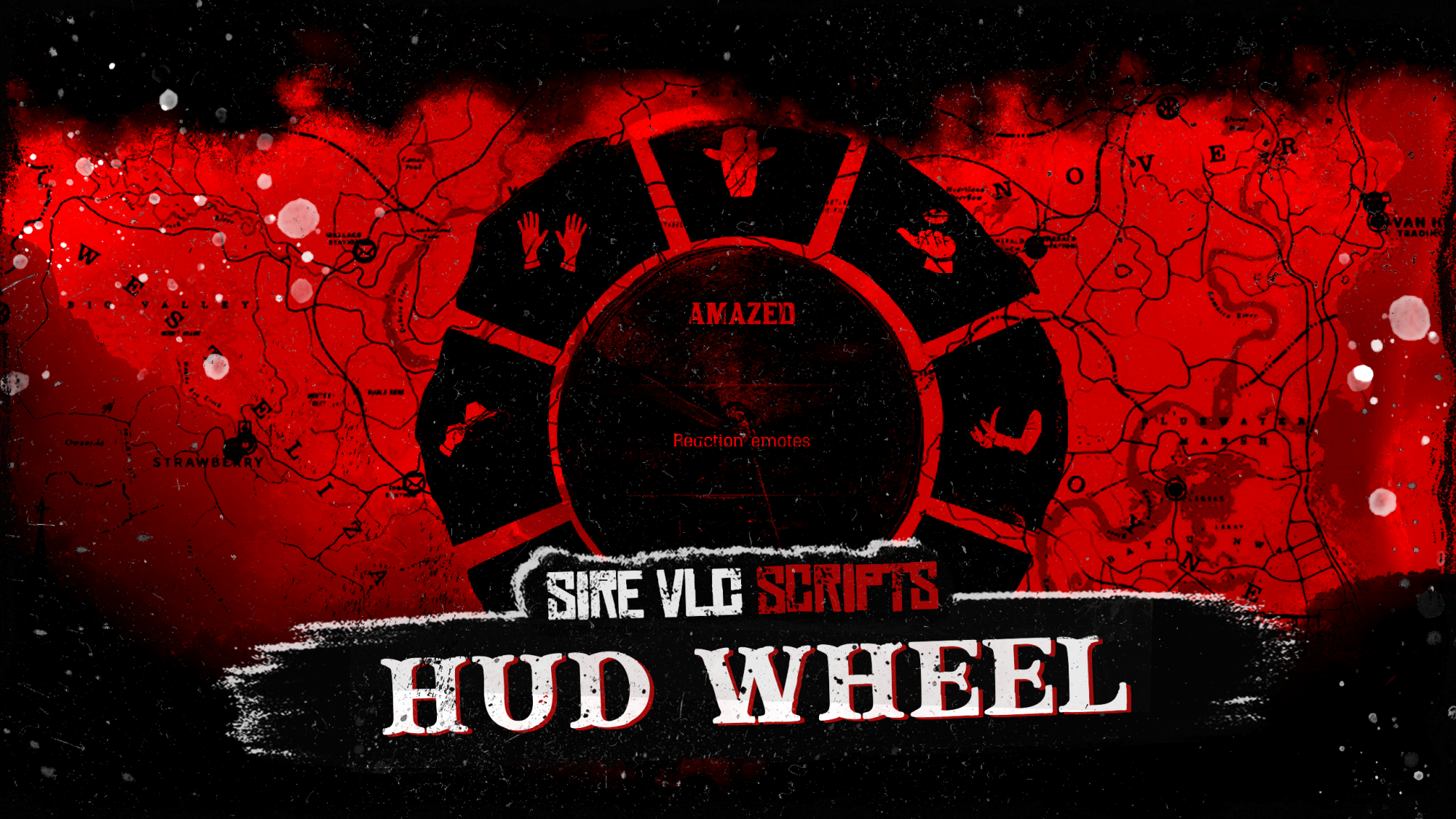
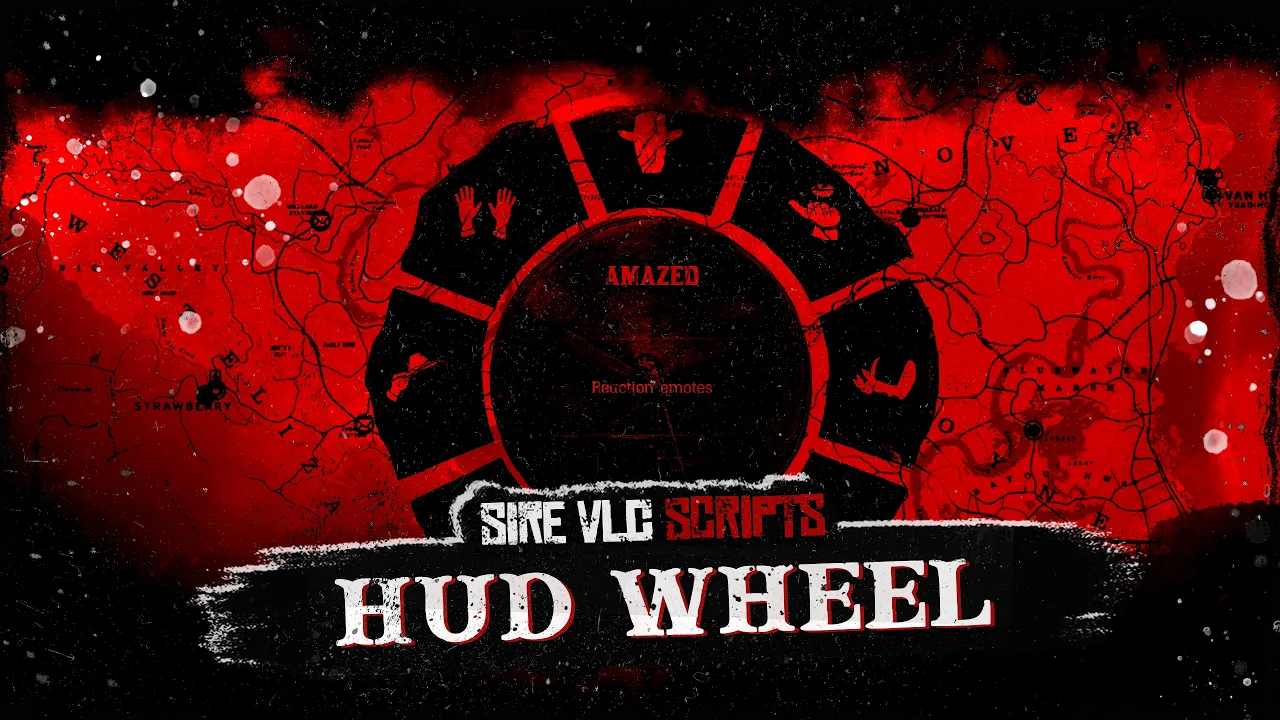
Give your RedM players a clean, immersive Radial HUD wheel and hotbar system built for fast access to items, emotes, walkstyles, animations and custom server actions.
Here's a RedM HUD wheel designed to give players a smooth and immersive way to access important actions without opening heavy menus.
The resource includes a radial wheel with multiple contexts, saved item slots, emote slots, walkstyle slots, custom action menus, and a standalone hotbar that can be opened without displaying the full wheel.
It is built for servers that want a polished, fast, and configurable actionsystem while keeping control directly inside the config.
Server owners can configure contexts, slot actions, animation triggers, images, visual filters, and you can also place your own server HUD logo without editing the core client or server files.
Features:
- Immersive radial HUD wheel
- Multiple configurable wheel categories
- Inventory item preset with saved slots
- VORP and RSG framework support
- Emote preset with saved emote slots
- Walkstyle preset with saved walkstyle slots
- Standard action menus for custom server content
- Configurable client animation action slots
- Animation duration, blend, flags, task filter, and auto-clear support
- Standalone hotbar display
- Hotbar RedM key detection support
- Hotbar command support
- Hotbar anti-spam cooldown
- Hotbar cooldown notification support
- Right-click context menus
- Clear wheel slots
- Clear hotbar slots
- Drag and move hotbar items
- Hover tooltip on occupied hotbar slots
- Frontend hover sound feedback
- Configurable slot images
- Configurable PNG background tint color
- Configurable PNG background opacity
- Optional configurable HUD logo
- HUD logo position, size, opacity, and z-index options
- Horse tricks context included
- Dedicated horse trick images included
- Compatible with local and external NUI image paths
- Manual SQL file included
- Indexed database tables
- Client events support
- Server events support
- Client exports support
- Server exports support
- Client commands support
- Server commands support
- Submenu support
- Server-side guard for configured server exports and commands
## Hotbar System
The hotbar can be opened separately from the full HUD wheel. This allows players
to keep quick access to their favorite actions without showing the entire radial menu.
Hotbar features include:
- Dedicated hotbar command
- RedM control hash keybind
- Optional anti-spam cooldown
- Cooldown notification through `sirevlc_notifications`
- Drag and drop slot movement
- Right-click clear slot option
- Slot label tooltip on hover
- Sound feedback when hovering occupied slots
## Visual Customization
The wheel visuals can be tuned directly from `config/config.lua`. Server owners can configure PNG background color.
The logo feature is disabled by default and can be positioned, resized, and faded from the config.
## Configurable Wheel Contexts
The system is built around `Config.Contexts`, allowing server owners to create
their own wheel categories without editing the client or server files.
Supported context types:
- `standard`
- `item`
- `emote`
- `walkstyle`
Standard contexts can trigger:
- Client events
- Server events
- Client commands
- Server commands
- Client exports
- Server exports
- Client animations
- Submenus
## Horse Tricks Context
A ready-to-use horse tricks context is included for servers that want quick horse actions in the wheel. (requires sirevlc_horses_interactions)
Included horse trick slots:
- Graze
- Drink
- Sleep
- Lay Down
The resource includes dedicated PNG images for these actions in `html/items`:
- `generic_haybale.png`
- `horse_drink5.png`
- `horse_sleep.png`
- `horse_lay.png`
## Inventory Item Slots
The item preset allows players to save compatible inventory items into wheel slots. Admins decide which items can be used by adding them to
`Config.CompatibleItems`.
Players can:
- Pick an item slot
- Save compatible inventory items
- Clear saved item slots
- Use saved items from the wheel
- Add saved wheel slots to the hotbar
## Emotes and Walkstyles
The resource includes configurable emote and walkstyle support.
Players can save their preferred emotes and walkstyles into slots, then trigger
them quickly from the HUD wheel or hotbar.
## Requirements
- VORP or RSG framework
- `vorp_core` and `vorp_inventory` for VORP
- `rsg-core` and `rsg-inventory` for RSG
- `oxmysql`
- `sirevlc_notifications`
## Installation Overview
1. Place `sirevlc_hud_wheel` directly in your server resources folder.
2. Make sure `oxmysql` and your selected framework resources are installed.
3. Make sure `sirevlc_notifications` is installed.
4. Ensure resources in the correct order.
5. Start the server and test `/hudwheel` and `/hotbar`.
VORP ensure example:
```cfg
ensure oxmysql
ensure vorp_core
ensure vorp_inventory
ensure sirevlc_notifications
ensure sirevlc_hud_wheel
```
RSG ensure example:
```cfg
ensure oxmysql
ensure rsg-core
ensure rsg-inventory
ensure sirevlc_notifications
ensure sirevlc_hud_wheel
```
## Commands
Default commands:
```text
/hudwheel
/hidehudwheel
/hotbar
```
These can be changed in `config/config.lua`.
## Database
Import the included SQL file before starting the resource:
```text
sql/hotbar_preferences.sql
```
It creates the required tables:
- `sirevlc_hud_wheel_slots`
- `sirevlc_hud_wheel_hotbar`
- `sirevlc_hud_wheel_hotbar_settings`
The resource does not create or alter database tables automatically on startup.
Join the discord to get the latest news, discounts and much more ! (Find the link on the main page of this tebex)
All files are encrypted except the config
Purchase Policy :
Every purchase is a definitive purchase, no refunds