
https://www.youtube.com/watch?v=nlF9g5Y_BdM
=============================
Mob Outfits
=============================
https://www.youtube.com/watch?v=2FiMJ7ldtxQ&ab_channel=SireVLC
FOR MP_MALE CHARACTERS ONLY ! (see more details in requirements section)
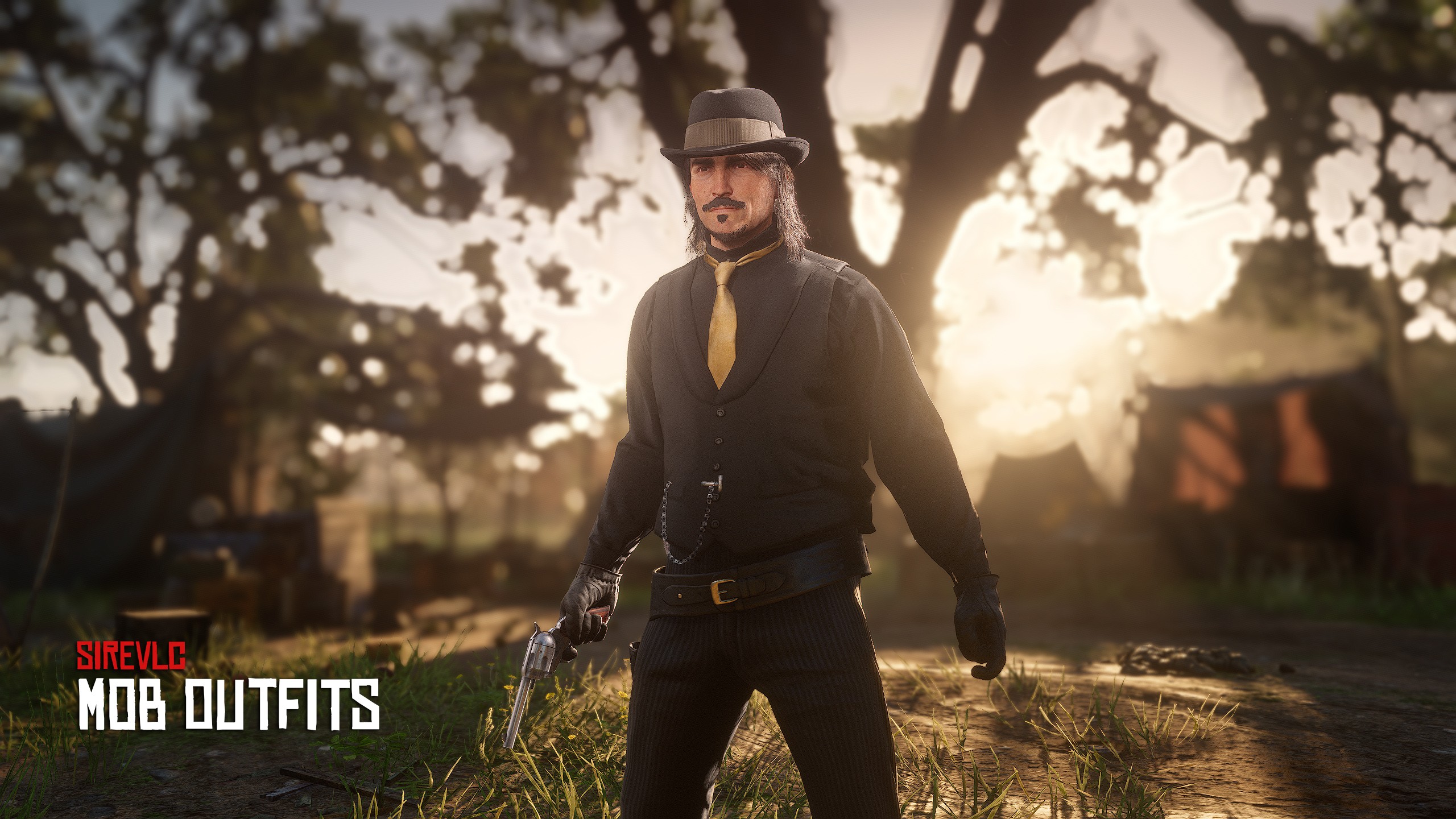
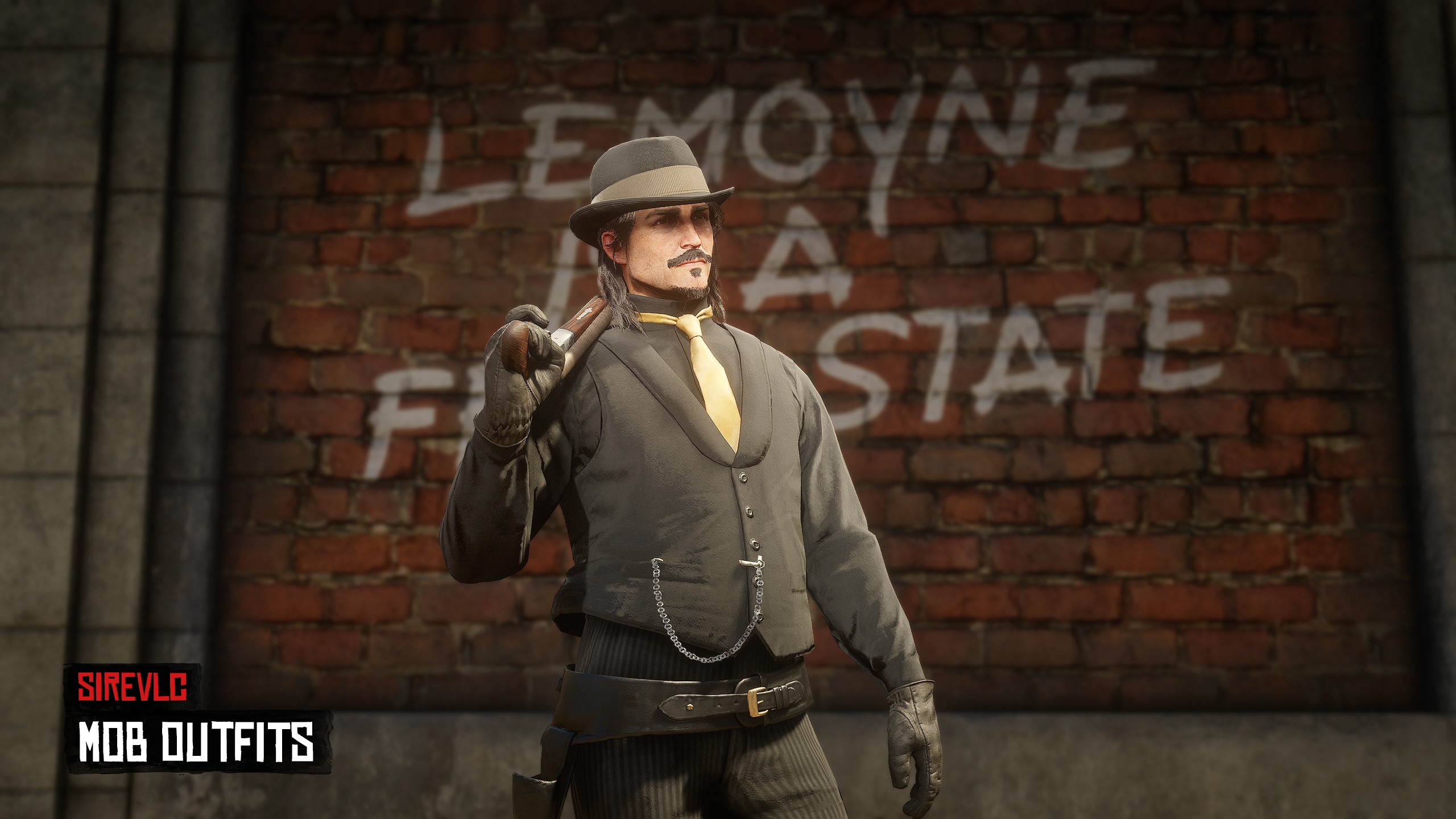
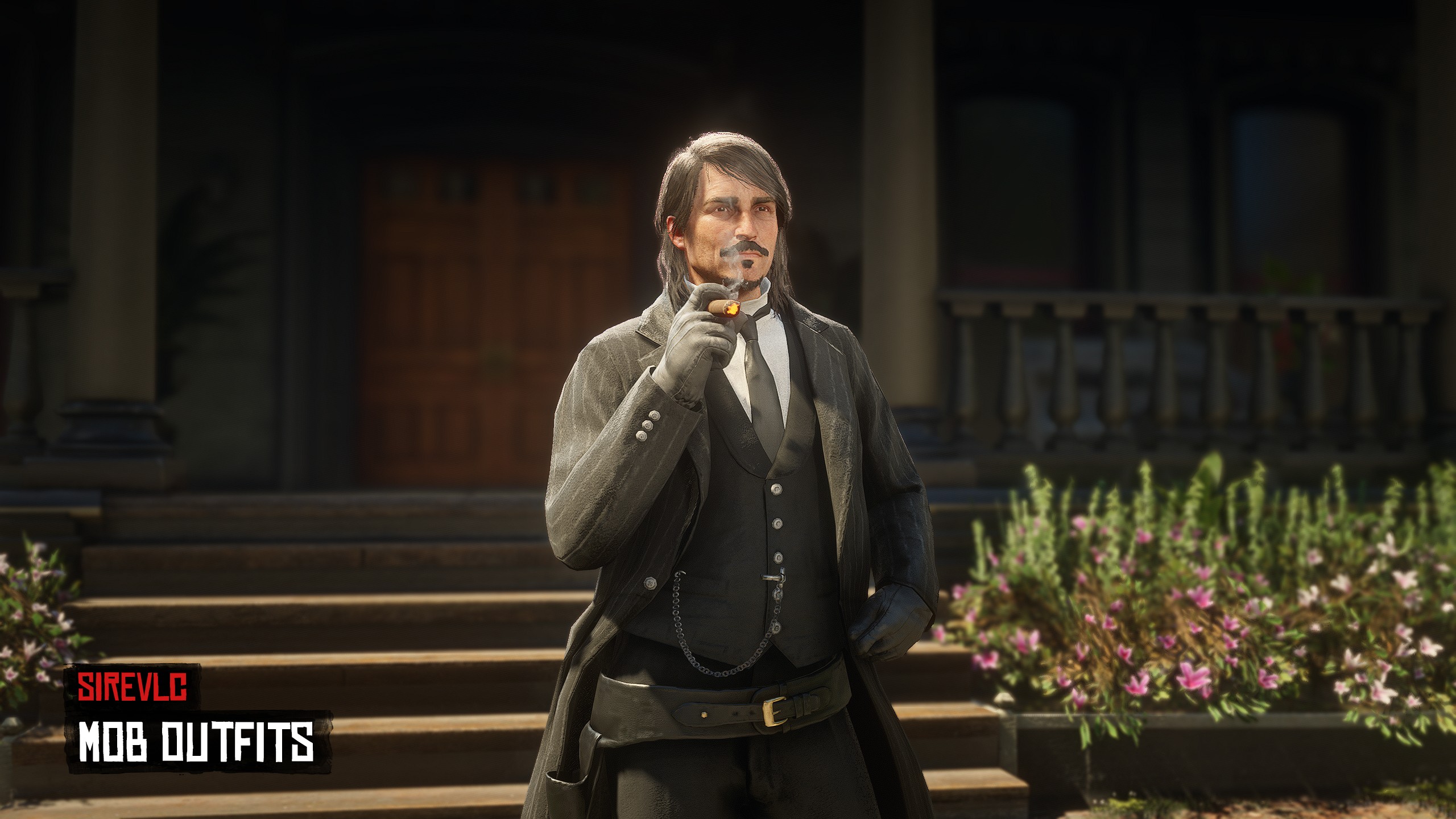
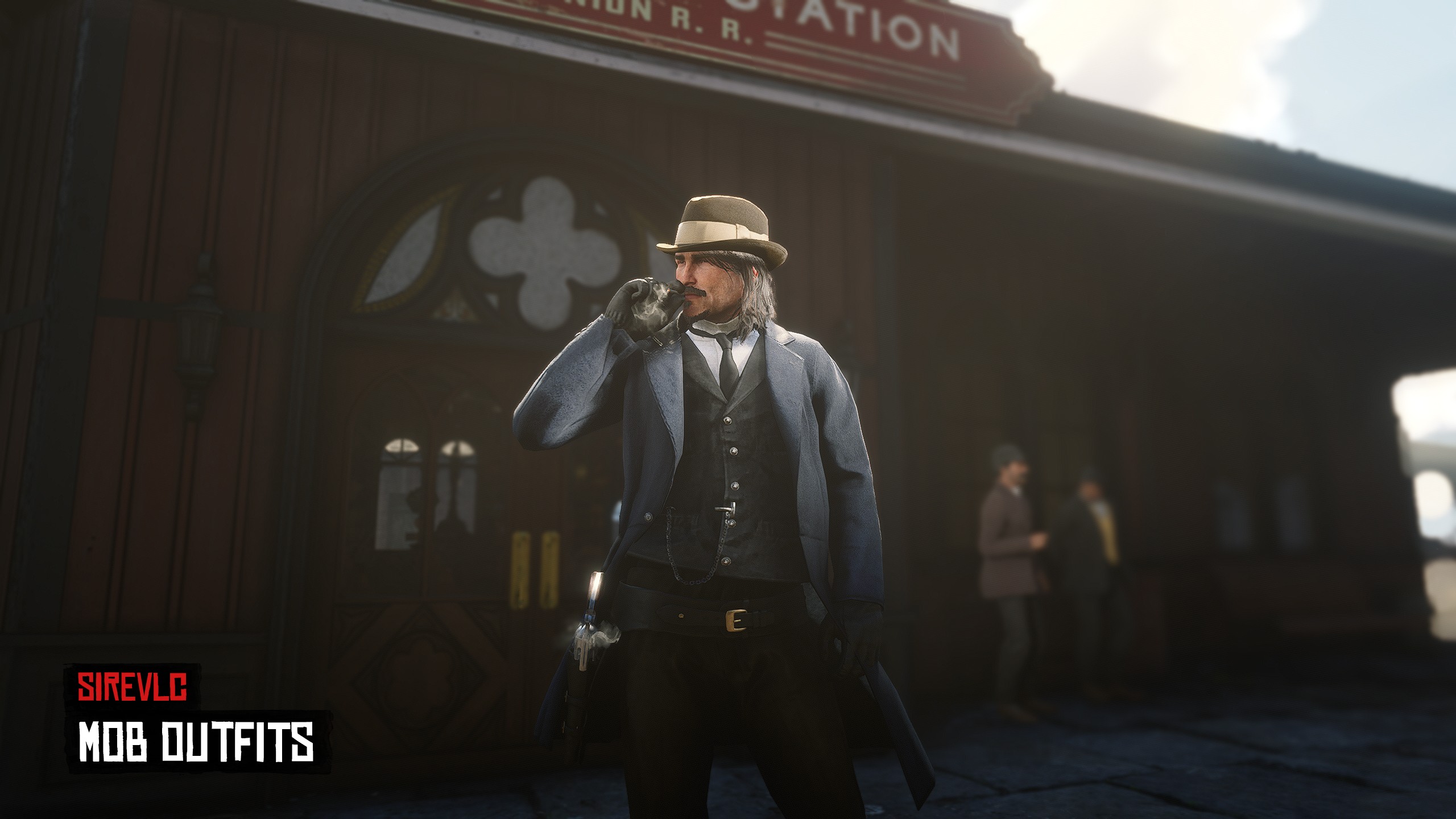
Choose between 55 Mob Outfits !
Each outfit has it's own event line that you can call (list in config file) so you'll be able to put them as inventory items/ in your menus / ui etc...
To remove the outfits you need to reload your character with your classic reload character command from your framework (loadskin, rc etc...)
Don't forget to check our discord file section to find all registered items and their events if you want to use these outfits as items.
=============================
FOR REDEMRP/VORP/RSG/
=============================
=================================================
--INSTALLATION--
=================================================
### Installation Instructions
## 1. Link your server to CFX Portal
Make sure your server is properly linked to your **CFX Portal** account.
## 2. Install oxmysql
Ensure **oxmysql** is installed and working correctly on your server.
## 3. Download sire_menu
Download **sire_menu** from the Tebex email or from our Discord file section.
## 4. Download notifications resource and images
Download **sirevlc_notifications** and the **images provided via Tebex email**.
The images are also available in our Discord file channel.
## 5. Download required granted assets (cfx.re portal)
From your **cfx.re portal → Granted Assets**, download the required resources.
Make sure you are using the **correct versions for your framework**, then place them directly into your server’s **resources folder**.
### IMPORTANT NOTE:
If you’re using a third-party script that only requires the outfits (and not the menu), install `sirevlc_mob_outfits_NO_MENU` only.
Otherwise, install `sirevlc_mob_outfits`
### Required resources:
- `sire_menu`
- `sirevlc_notifications`
- `sirevlc_mob_outfits`
⚠️ Use an archive extractor such as **WinRAR** and ftp software such as Winscp. Make sure it's transfer mode is in **BINARY MODE**.
Ensure the **.fxap files** are correctly imported for:
- `sirevlc_mob_outfits`
`.fxap` files are required for **cfx.re authentication**.
## 6. Ensure resources in the correct order
In your `server.cfg` or `resources.cfg`, ensure the resources in the following order:
```cfg
ensure oxmysql
ensure <your framework resources>
ensure sire_menu
ensure sirevlc_notifications
ensure sirevlc_mob_outfits
or
ensure sirevlc_mob_outfits_NO_MENU
````
⚠️ **Important:**
* `sire_menu` **must be ensured before** all other sire resources.
* Do **not** ensure these resources as subfolders, as this can break the ensure order.
## 7. Install item images
Copy the **image files only** (not the folder itself) into:
```text
sire_menu/html/items
```
## 8. Enjoy!
=================================================
--REQUIREMENTS--
==================================================
x- REDEMRP REBOOT/VORP/RSG frameworks
x- sire_menu
x- oxmysql
x- sirevlc_notifications (provided with resource)
========LOCKED FILES=======
All files are encrypted except the config file