https://www.youtube.com/watch?v=xXry0P-e4hs
Bring more immersion to your RP server with a complete sleep and fatigue system, combined with fully configurable hotels.
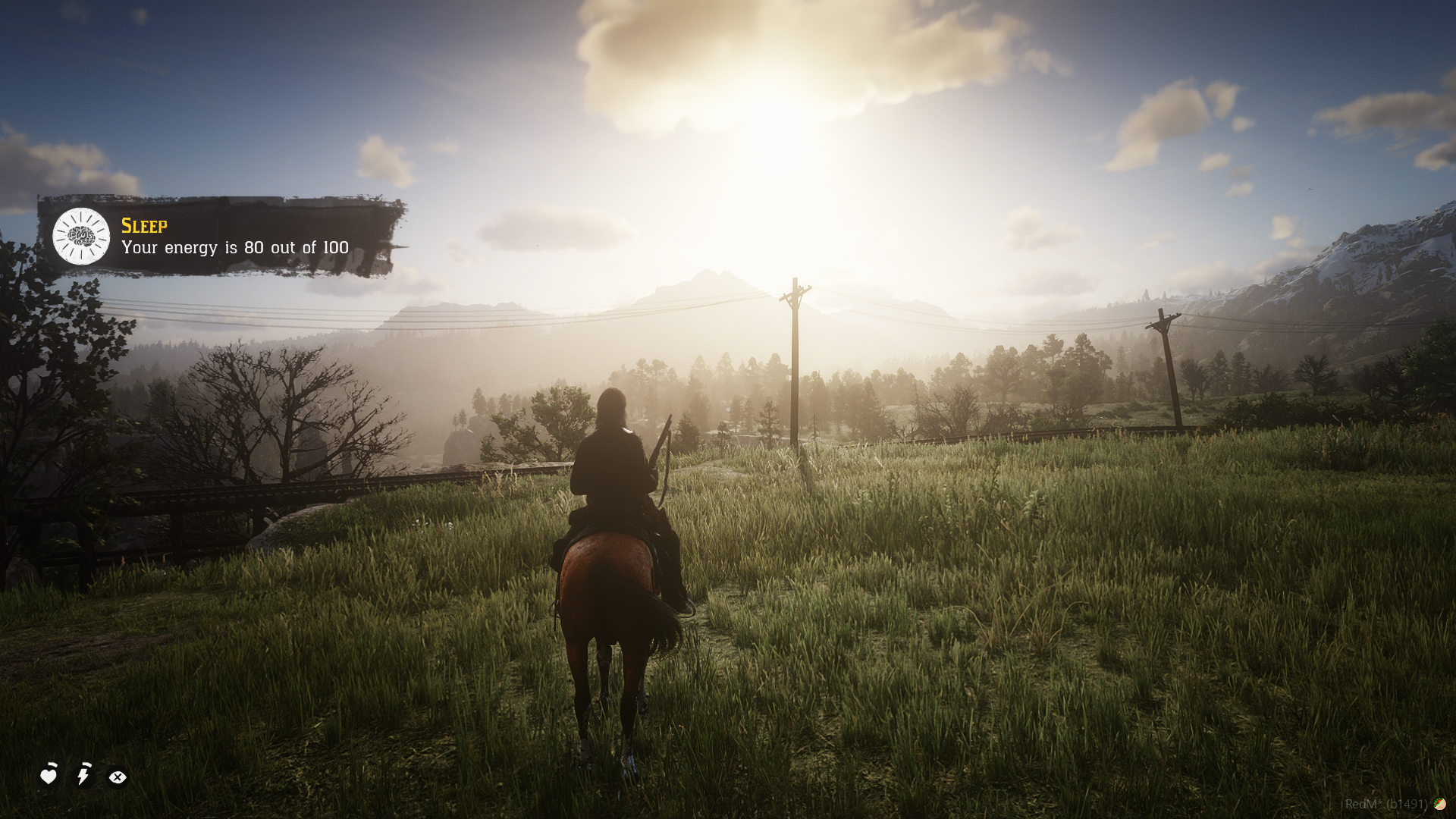
Your character will gradually become more fatigued as time passes. The system includes multiple stages of fatigue, requiring players to rest in order to recover their energy.
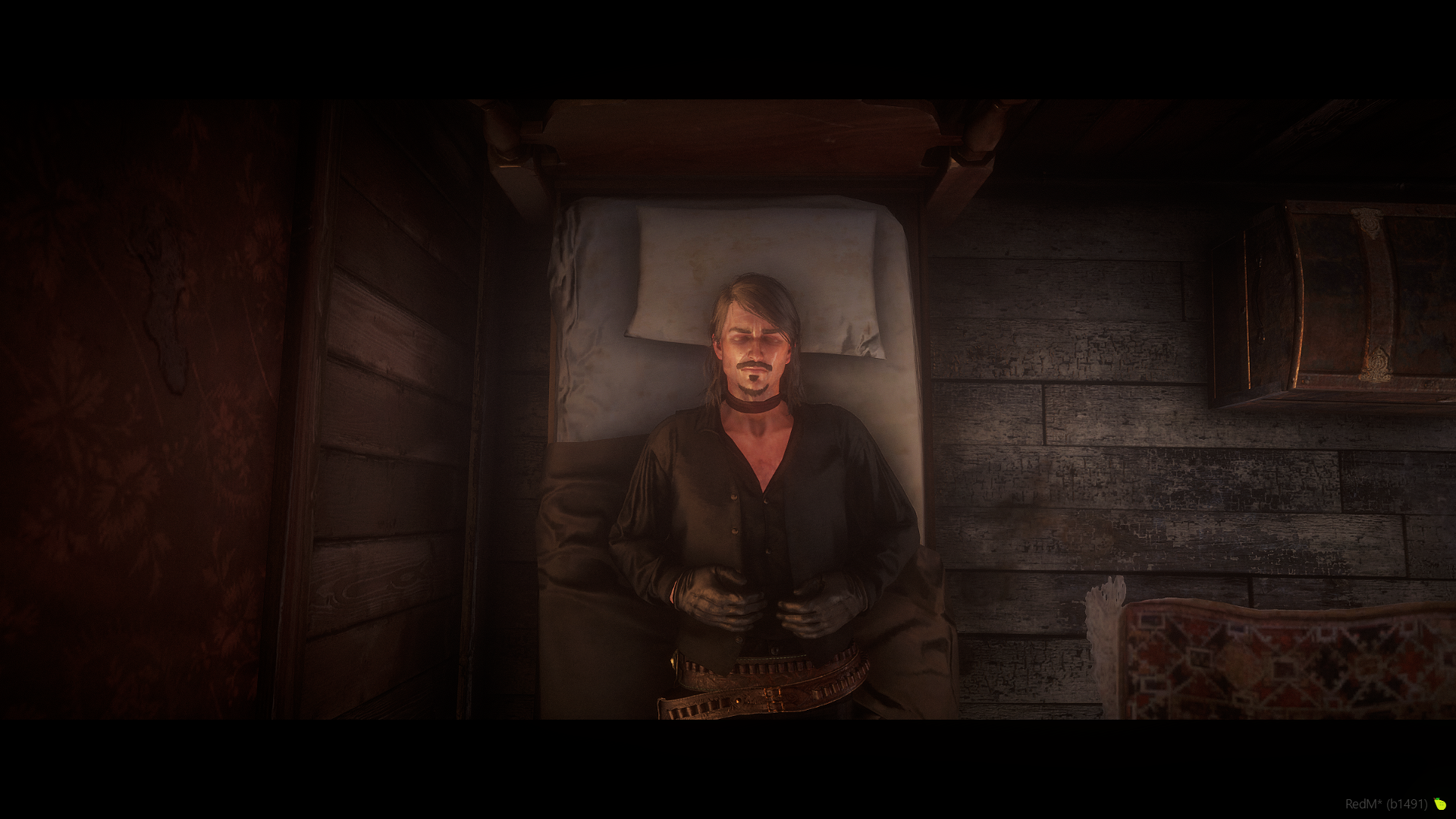
Sleeping is simple: open the sleep menu and choose to sleep on your back or on your belly. During sleep, custom cutscenes and music will play for a more immersive experience.
While sleeping, your character may also experience dreams.
Around 20 different dream sequences are included
Dreams are randomized
The chance of dreaming can be configured
Once you wake up, your character will be fully refreshed and ready to go again (this feature can also be enabled or disabled in the config).
If you choose not to sleep, your character won’t die but will experience increasing exhaustion effects, such as:
Blurred vision
Your character stumbling or falling
The energy level is saved in the database and ranges from 1 (fully exhausted) to 100 (fully energized).
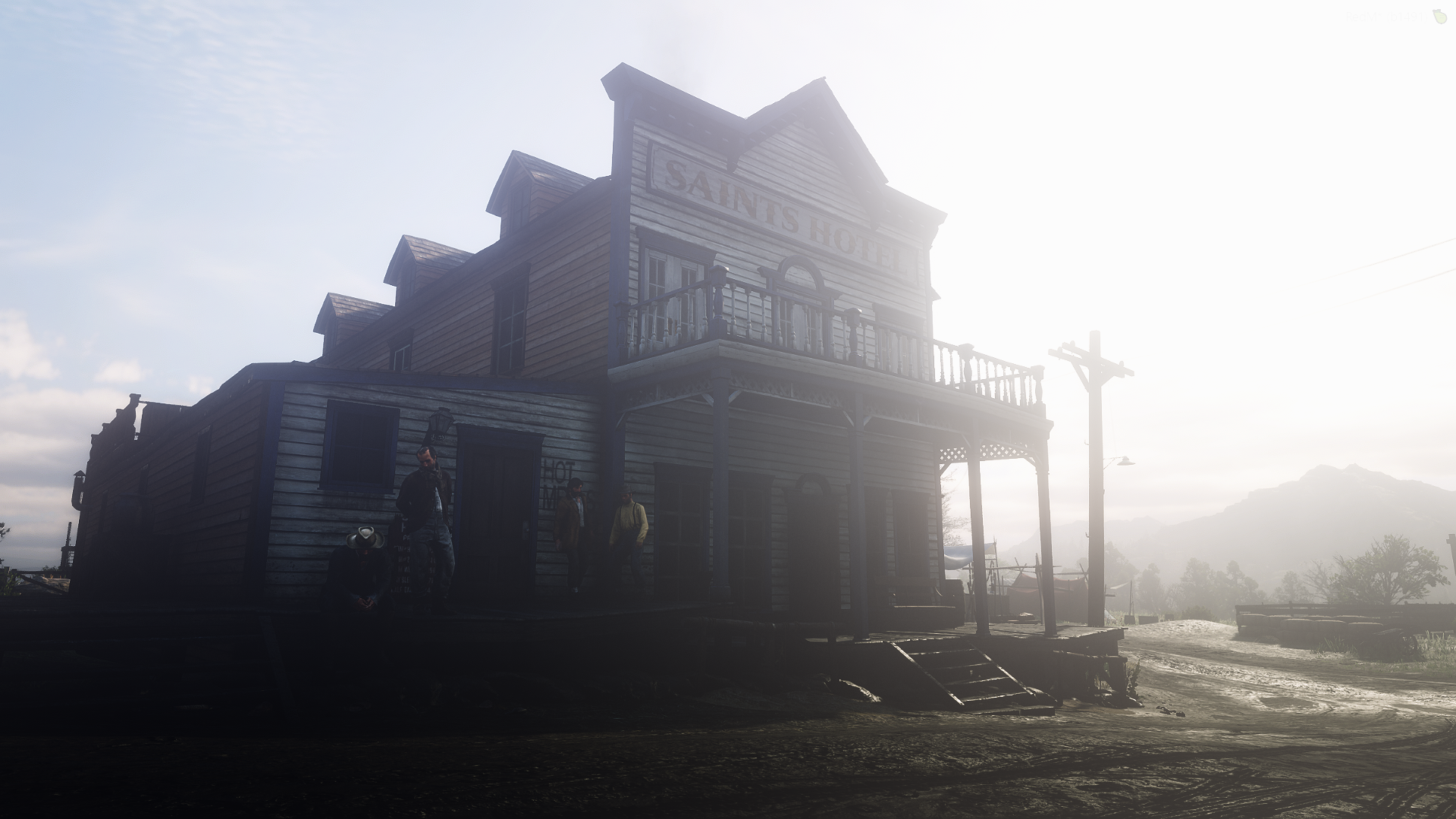
For players who prefer staying in town, you can sleep at hotels across New Hanover, including custom exotic hotels with unique cutscenes.
You can:
Configure as many hotel rooms as you want
Add custom coordinates
Support custom hotels or MLOs
If you don’t want to use the hotel system, you can simply run sirevlc_sleepsystem on its own.
The sleep menu can also be triggered through events, allowing you to integrate it into your own menus, scripts, or UI systems.
⚠️ This resource requires standard mp_male or mp_female character models to function correctly.
========================
REDEMRP/VORP/RSG
========================
=================================================
--INSTALLATION--
=================================================
### Installation Instructions
## 1. Link your server to CFX Portal
Make sure your server is properly linked to your **CFX Portal** account.
## 2. Install oxmysql
Ensure **oxmysql** is installed and working correctly on your server.
## 3. Download sire_menu
Download **sire_menu** from the Tebex email or from our Discord file section.
## 4. Download notifications resource and images
Download **sirevlc_notifications** and the **images provided via Tebex email**.
The images are also available in our Discord file channel.
## 5. Download required granted assets (cfx.re portal)
From your **cfx.re portal → Granted Assets**, download the required resources.
Make sure you are using the **correct versions for your framework**, then place them directly into your server’s **resources folder**.
### Required resources:
- `sire_menu`
- `sirevlc_notifications`
- `sirevlc_sleepsystem`
- `sirevlc_hotel`
⚠️ Use an archive extractor such as **WinRAR** and ftp software such as Winscp. Make sure it's transfer mode is in **BINARY MODE**.
Ensure the **.fxap files** are correctly imported for:
- `sirevlc_sleepsystem`
- `sirevlc_hotel`
`.fxap` files are required for **cfx.re authentication**.
## 7. Ensure resources in the correct order
In your `server.cfg` or `resources.cfg`, ensure the resources in the following order:
```cfg
ensure oxmysql
ensure <your framework resources>
ensure sire_menu
ensure sirevlc_notifications
ensure sirevlc_sleepsystem
ensure sirevlc_hotel
````
sirevlc_hotel is optional, only ensure it if you want to use the hotel system.
⚠️ **Important:**
* `sire_menu` **must be ensured before** all other sire resources.
* Do **not** ensure these resources as subfolders, as this can break the ensure order.
## 8. Import the database file
Import `sirevlc_sleepsystem.sql` into your database and confirm that your database is properly linked to your server.
## 9. Install item images
Copy the **image files only** (not the folder itself) into:
```text
sire_menu/html/items
```
## 10. Enjoy!
=================================================
--REQUIREMENTS--
==================================================
x- REDEMRP REBOOT/VORP/RSG frameworks
x- sire_menu
x- oxmysql
x- sirevlc_notifications (provided with resource)
========LOCKED FILES=====
All files are encrypted except the config file.
Join the discord to get the latest news, discounts and much more ! (Find the link on the main page of this tebex)
Purchase Policy :
Every purchase is a definitive purchase, no refunds