
============
PHOTO MODE
============
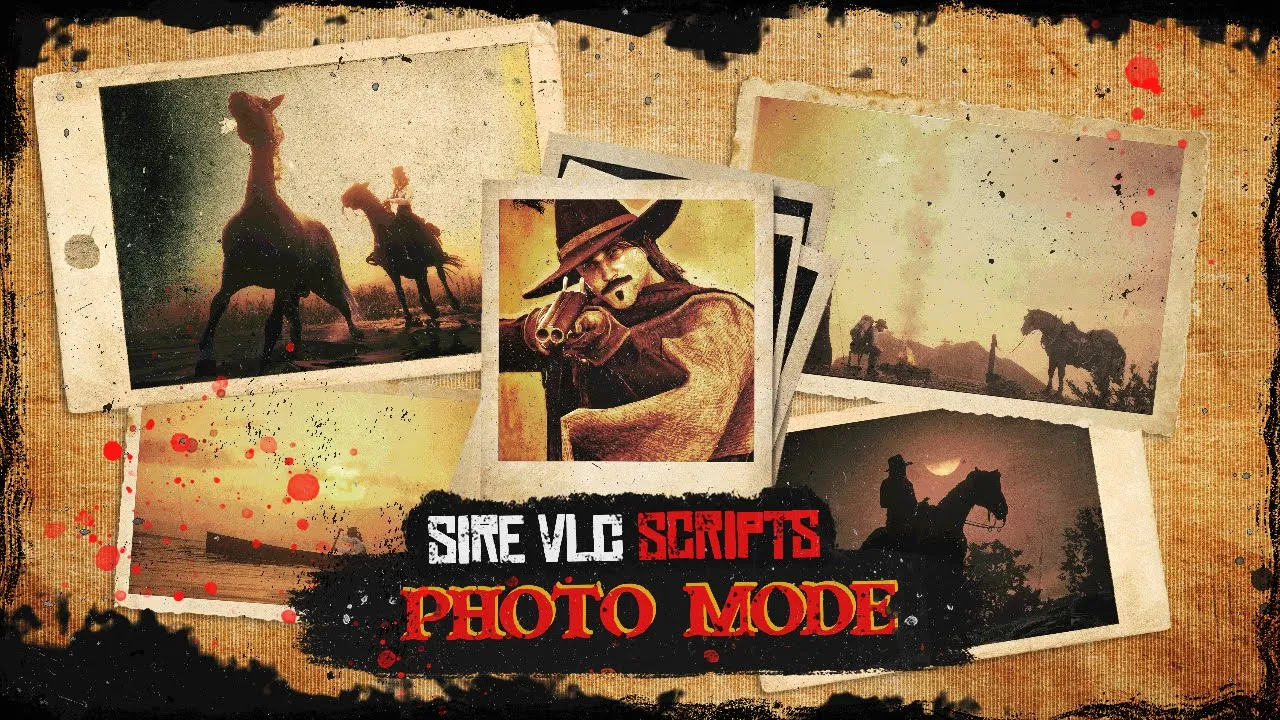
Here I introduce you my photo mode script This will be the perfect addition for your server to get quality pictures and videos. Enable freecam mode with field of view presets between 10 and 70. Select a pose between around 100 photo poses in the menu. You also can add some artificial lighting. Then, take your screenshot with any of your favourite screen capture software.
You also have photograph studios that will trigger the menu by prompt. Two studios provided at Blackwater and Saint Denis. You can also add your own and as many as you want in the config and set the coords ! You can set the limit distance before the camera gets destroyed.
Find events to trigger the menu that you can call from any script (event line in config) . The menu can also be called by command via f8 console. In the config file you can enable or disable the menu by pressing key and the use of command in F8 console.
Check the video !
https://www.youtube.com/watch?v=AfjD9MGh7Vg
========CONTROLS=======
You can change the keys in the config file. Here's the control list used by default :
-Z AXIS--
UP/ SPACE
DOWN/ SHIFT
-X AND Y AXIS--
BACKWARD / DOWN ARROWKEY
FORWARD / UP ARROWKEY
RIGHT / RIGHT ARROWKEY
LEFT / LEFT ARROWKEY
--HORIZONTAL ROTATION--
ROTATE RIGHT / I
ROTATE LEFT / U
--VERTICAL ROTATION--
PITCH UP / C
PITCH DOWN / V
========REDEMRP/VORP/RSG=======
=================================================
--INSTALLATION--
=================================================
### Installation Instructions
## 1. Link your server to CFX Portal
Make sure your server is properly linked to your **CFX Portal** account.
## 2. Install oxmysql
Ensure **oxmysql** is installed and working correctly on your server.
## 3. Download sire_menu
Download **sire_menu** from the Tebex email or from our Discord file section.
## 4. Download notifications resource and images
Download **sirevlc_notifications** and the **images provided via Tebex email**.
The images are also available in our Discord file channel.
## 5. Download required granted assets (cfx.re portal)
From your **cfx.re portal → Granted Assets**, download the required resources.
Make sure you are using the **correct versions for your framework**, then place them directly into your server’s **resources folder**.
## 6. Required resources:
- `sire_menu`
- `sirevlc_notifications`
- `sirevlc_photomode`
⚠️ Use an archive extractor such as **WinRAR** and ftp software such as Winscp. Make sure it's transfer mode is in **BINARY MODE**.
Ensure the **.fxap files** are correctly imported for:
- `sirevlc_photomode`
`.fxap` files are required for **cfx.re authentication**.
## 7. Ensure resources in the correct order
In your `server.cfg` or `resources.cfg`, ensure the resources in the following order:
```cfg
ensure oxmysql
ensure <your framework resources>
ensure sire_menu
ensure sirevlc_notifications
ensure sirevlc_photomode
````
sirevlc_hotel is optional, only ensure it if you want to use the hotel system.
⚠️ **Important:**
* `sire_menu` **must be ensured before** all other sire resources.
* Do **not** ensure these resources as subfolders, as this can break the ensure order.
## 8. Install item images
Copy the **image files only** (not the folder itself) into:
```text
sire_menu/html/items
```
## 9. Enjoy!
=================================================
--REQUIREMENTS--
==================================================
x- REDEMRP REBOOT/VORP/RSG frameworks
x- sire_menu
x- oxmysql
x- sirevlc_notifications (provided with resource)
========LOCKED FILES=======
All files are encrypted except the config file.
Join the discord to get the latest news, discounts and much more ! (Find the link on the main page of this tebex)
Purchase Policy :
Every purchase is a definitive purchase, no refunds